


1
Create a task mode
Twelve modes to choose from, covering every corner of your day
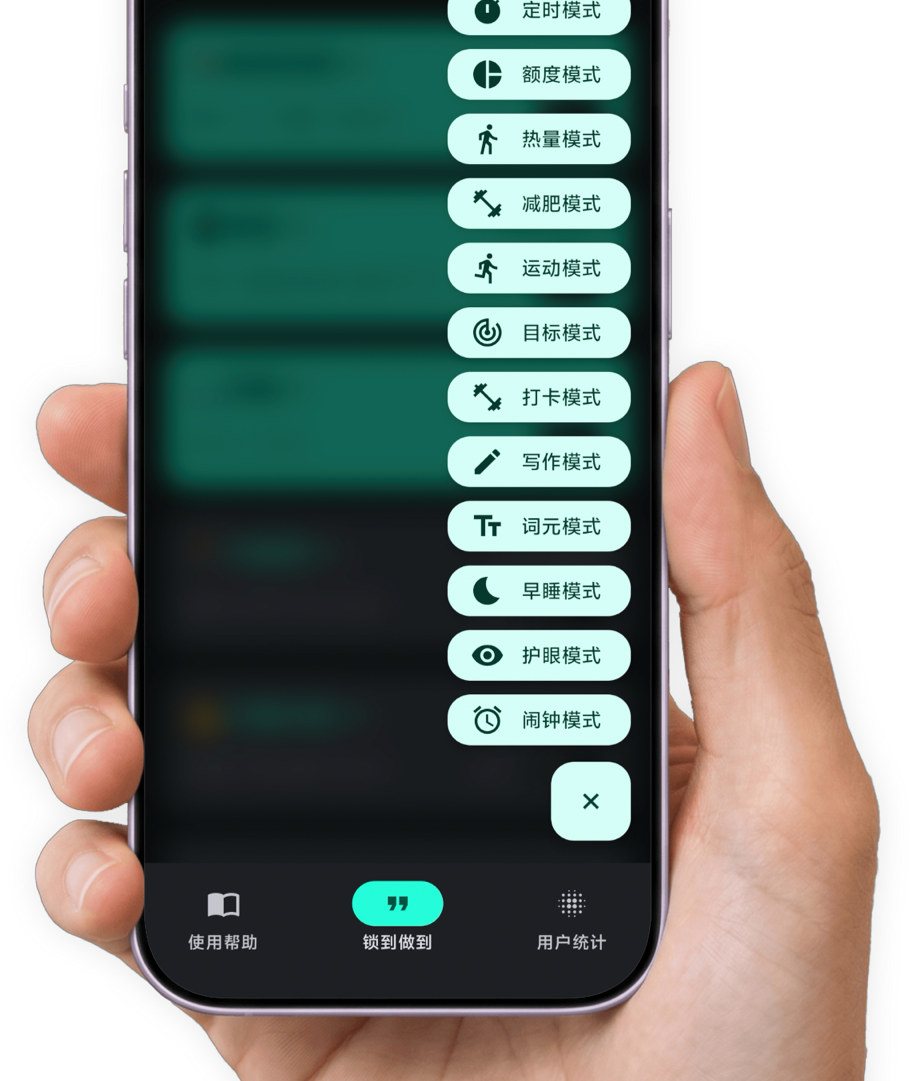
Training, studying, reading, writing, losing weight, checking in, sleeping early…— hit the goal, and your phone unlocks itself.Locking the phone isn’t the point. Getting you moving is.
Pick one and see which modes they run
Ten hours of revision shouldn’t be chopped into pieces by short video
Work, study, life, play — whatever the scene, there is a mode for it. Plan your hours online and offline properly.
Download now
Create a mode → start it → the phone locks → finish the task → the phone unlocks
Twelve modes to choose from, covering every corner of your day
Get moving and finish it. LockTheTalk tracks your progress as you go
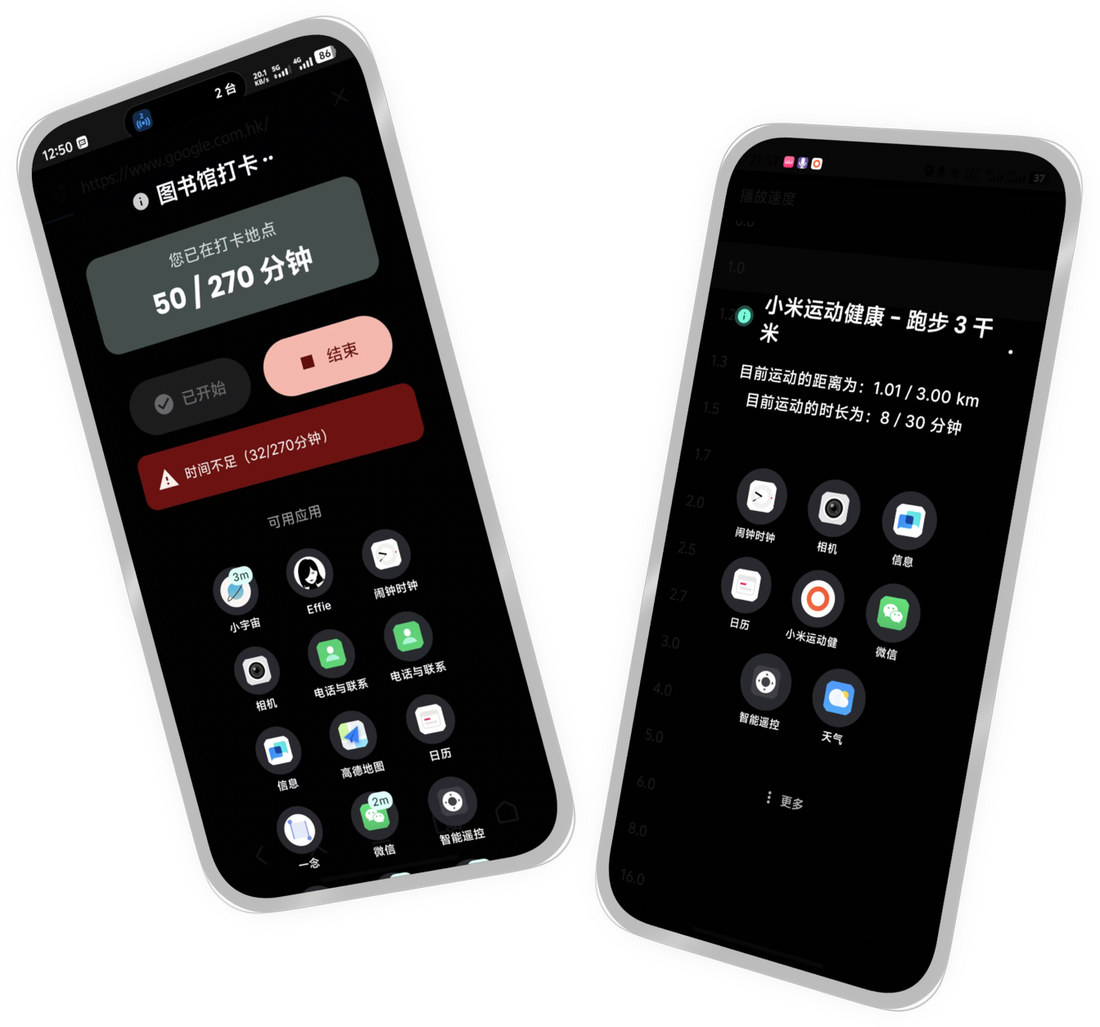
The moment you finish, the phone unlocks itself
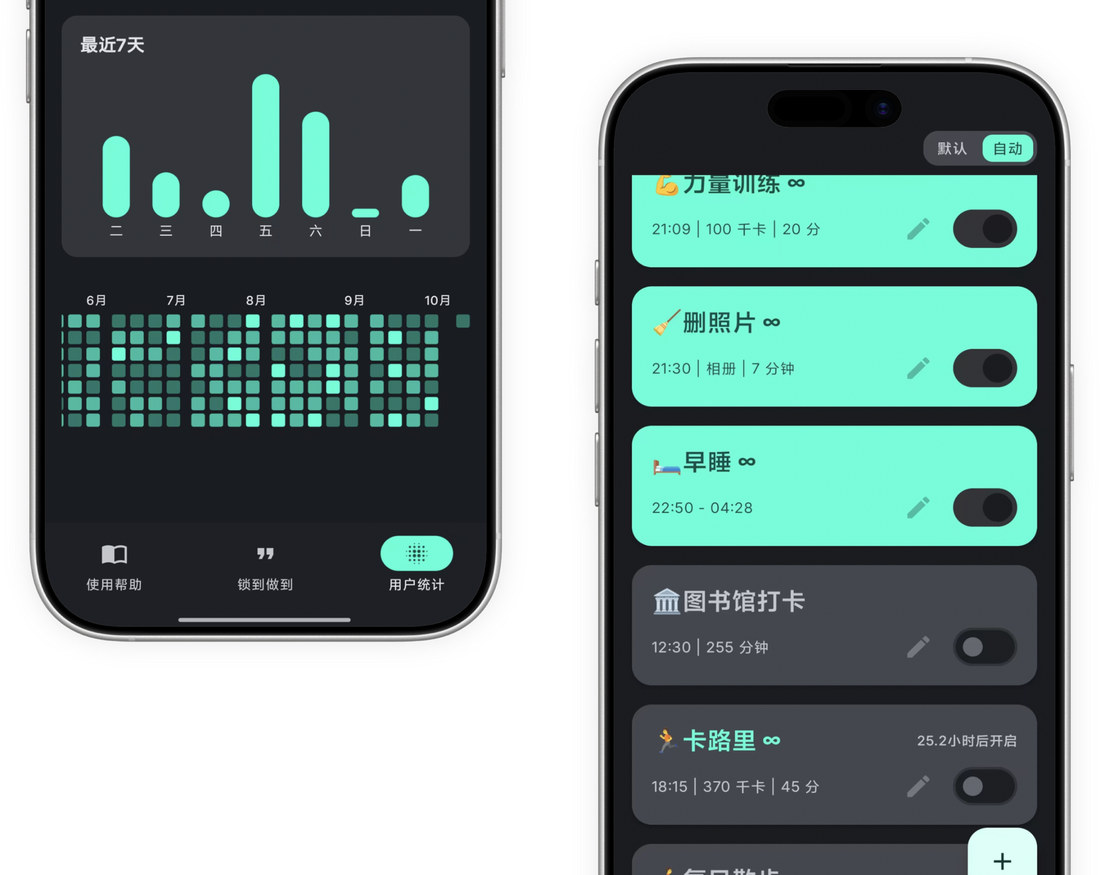
Set a start and an end time; the phone locks itself when the window opens. Anything outside the whitelist you picked in advance stays shut. It is the gentlest of the twelve, and the right one to start with.
Give apps like WeChat or Weibo a daily allowance, say two hours. When it is gone, it is gone. Want more? Wait for tomorrow, or earn minutes by walking and finishing tasks.
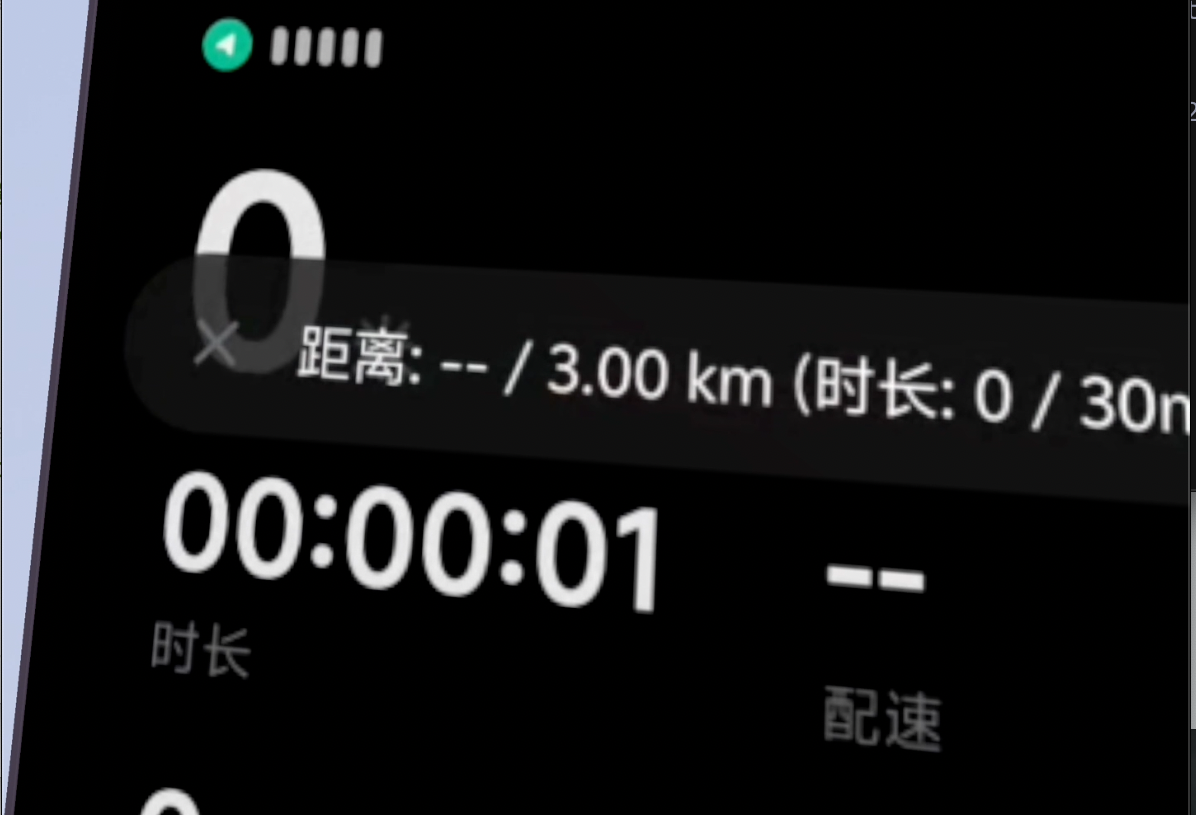
Works alongside Keep or Mi Fitness. Set a duration and a total distance; the phone locks the moment the task starts, and LockTheTalk watches the workout app until you hit the numbers. Phone locked, nothing else to do — go and run.
You probably spotted it: workout mode can be cheated with a ride. Hence calorie mode — it reads calories burned from the fitness app, so your heart rate genuinely has to climb. Climbing, swimming, ball games where a phone is in the way? Wear a band, then let it scan the result afterwards.
Pair a body-fat scale that talks to the Mi Home app. Set a target weight and a daily loss target — as small as 0.01 kg. Step on the scale when you wake: hit it and the phone unlocks, miss it and you get locked as a penalty. A family member standing in, or extra weight in your pocket, will not work — the anti-cheat only recognises you.
Pick a few apps you wish you spent more time in, and set a duration. Once the mode starts the phone is locked until you have used them long enough. Twenty minutes of vocabulary in the morning, and if you already did it, the evening run is skipped automatically — just turn on smart unlock.
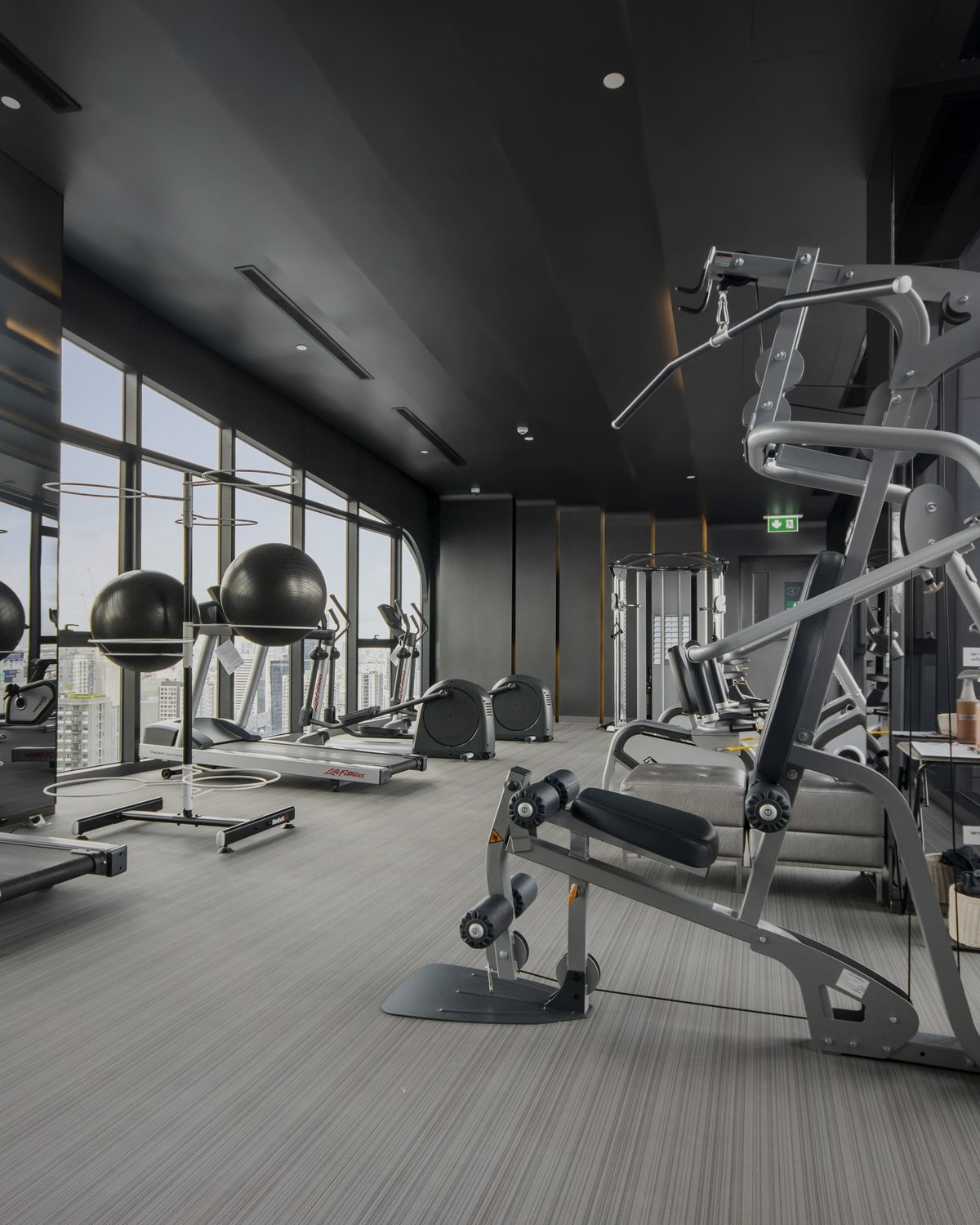
The gym pass used three times, the library you turned back from at the door — the problem was never effort once you were inside, it was arriving. Set a location and a minimum stay. Show up in person, stay long enough, and the phone unlocks. Environment shapes people.
Write enough words in the writing app of your choice before the phone unlocks. First drafts are garbage — but first you need a draft. This mode has exactly one job: stop you overthinking and put your hands on the keyboard.
Block pages inside an app by keyword. All analysis and judgement runs on-device — no network, no upload.
A harder version of the timed mode. Alongside locking up at night, it caps total screen-on time during your sleep window; the extra minutes you sneak tonight become extra lock time tomorrow. It does not ask you to sleep. It just makes staying up unaffordable.
Use the phone continuously past the limit and you are forced to rest. After a lock-out the counter resets and starts again. Simple — and the most honest thing you can do for your eyes and your neck.
An alarm you cannot casually dismiss. Once it goes off you have to grab the phone and shake it, until you hit the required count. By the time your arm aches, the sleep is gone. The sternest god of the snoozers.
You have 0 years left in front of a screen — about 0% of the rest of your life.
Where exactly does LockTheTalk win
 LockTheTalk LockTheTalk | Screen time | Other focus apps | Physical lock box | |
|---|---|---|---|---|
| Streaks and achievements | ||||
| Unbypassable / uninstall-proof | ||||
| One-time purchase | ||||
| Auto-blocks on arrival When you reach a place you set (the office, say), focus can start by itself. | ||||
| Rigid unlock rules | ||||
| Social features | ||||
| Auto-supervises the task | ||||
| Works with third-party apps | ||||
| Custom triggers | ||||
| Price | ¥1 / ¥49 / ¥59 | Free | ¥30–200 |
Set a plan and let LockTheTalk fit into your day. Every time you start, stay focused.
 Deep work 7 apps
  Family time 22 apps
  Wind-down 6 apps
  Study block 13 apps
  Slow morning 9 apps
  Gym 12 apps
  Sunday reset 11 apps
  Commute 7 apps
 It is a goal-driven discipline app for Android. You set a real-world goal first — run 3 km, study vocabulary for 20 minutes, write 500 words, stay in the library for two hours. Until it is done, the phone stays locked and nothing opens except the apps you whitelisted in advance. It does not remind you. It takes the "should I?" decision away from you.
Not yet. LockTheTalk can currently only be downloaded from the official app stores of Xiaomi, vivo, OPPO and Honor. Those devices are specifically tuned: uninstall protection and background survival are most reliable on them.
Not by you tapping "done". Workout mode reads distance and calories from Keep or Mi Fitness; weight-loss mode reads your weight from Mi Home; check-in mode looks at GPS location and dwell time; writing mode counts what you type in your writing app. Miss the numbers and the phone stays locked.
By default, yes: switch the mode off or uninstall, it is your call. To remove that way out, turn on uninstall protection and hard mode. The former blocks the detours — long-press on the home screen, app details, developer options; the latter locks mode management, settings and uninstall together until the cycle ends. Both are off by default. Whether you turn them on is up to you.
Six ways out, kept for real emergencies: hand the password to a friend or a parent; exemption unlock gives you M chances every N days; a revive point makes you walk to a set location and take a photo; smart unlock skips the task when you finished it early; points unlock lets you earn credit by walking; and paid unlock — a ¥5 to ¥100 penalty opens the phone at once, non-refundable, which is the whole point. Calls and texts work at any time.
LockTheTalk uses Android’s accessibility service to recognise which app you opened. There is no background task quietly uploading anything. The trade-off is that it has to stay resident, so there is some battery cost — around 1–2% more under medium to heavy use.
Mainly the accessibility service and the floating window — the only route on Android to detect the current app and show a block page, and they are used for nothing else. Your focus records live in a local database on the phone; you can even revoke network access after activation and keep using it.
The free tier is limited and can only create one mode. Membership comes in three tiers: ¥1 for three days, ¥49 for a year, ¥59 for life. Averaged over a year that is about fourteen cents a day — far cheaper than a single fitness class.
Start with the gentlest, the timed mode, and lock down for one day. Add more if that is not enough: quota mode for the feeds you cannot stop scrolling, goal mode to force time on the apps you should be using, bedtime mode for the late nights. There is no need to do it all at once, and no need to turn on uninstall protection on day one.
After a reboot, auto-start brings the locked state back. Developer options, USB debugging, resolution and refresh-rate changes, battery-saving tweaks — those paths are blocked too once uninstall protection is on. You can also hide the home-screen icon and leave only a notification tile, so there is no long-press uninstall entry to find at all.
Yes. Keep only your saved folder in Xiaohongshu, block just the recommendation feed in Douyin, or only browse the one thing you came to buy in Taobao — add that page to the block list, and choose whether it is global or only while locked. Keyword mode goes a step further and judges by keyword. Analysis and judgement happen entirely on-device.
No. In settings you can export the whole configuration — modes, whitelist, blocked pages, unlock methods — into a single JSON file, then import it once on the new phone and everything is back.
An independent developer called Wenbing, and it is a one-person product. It started with his own problem — never managing to eat less or move more — so he simply wrote himself a coach that does not go soft on him.
Video walkthroughs of LockTheTalk